


adMart User Features.
adMart is a ready-made eCommerce solution offering area-based shopping, flexible delivery options, secure online payments, special offers, and powerful admin tools. It ensures a seamless, scalable, and user-friendly shopping experience.
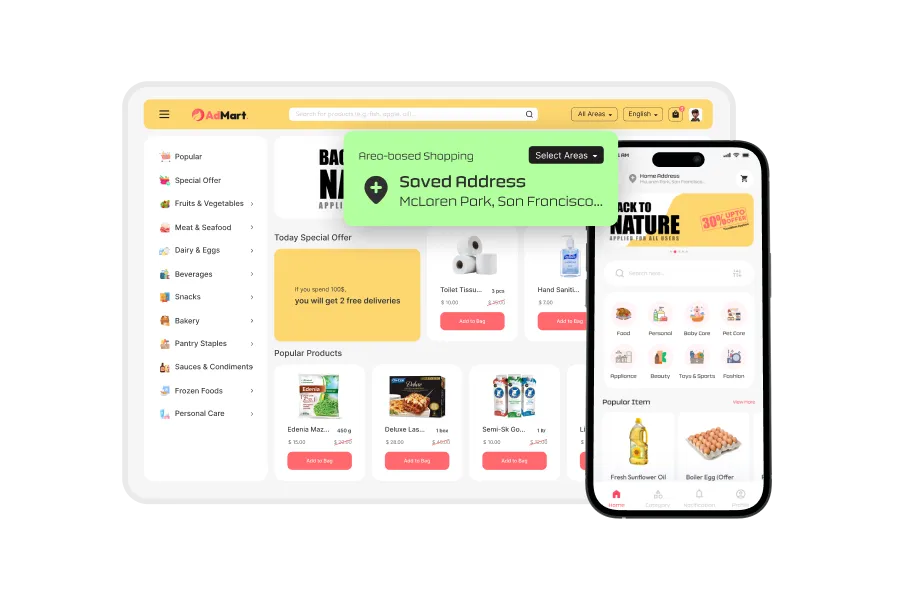
Area-based Shopping
Users can browse and shop products based on specific delivery areas. This ensures only location-relevant items are shown during checkout.
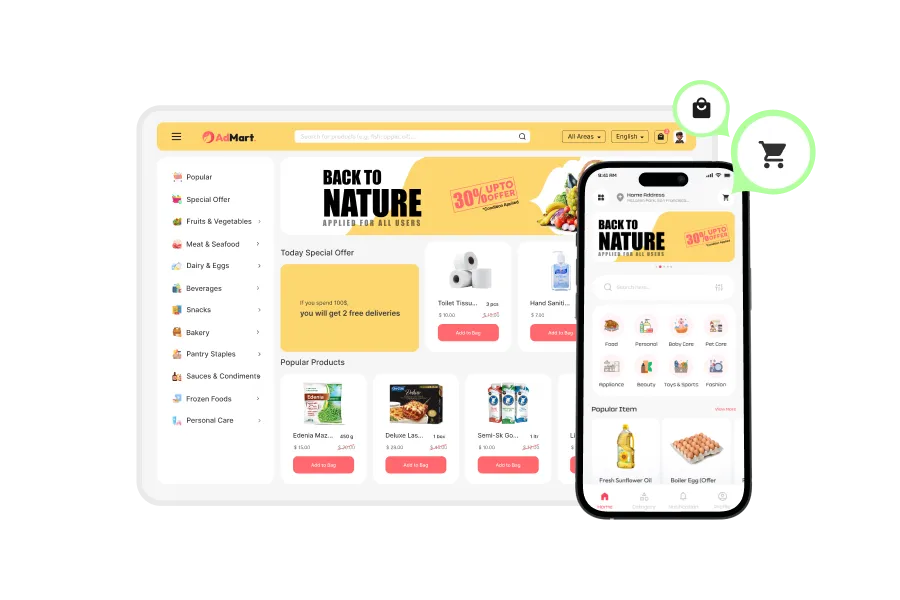
Add to Cart
Users will be able to add products to their shopping cart and review or modify them before placing an order.
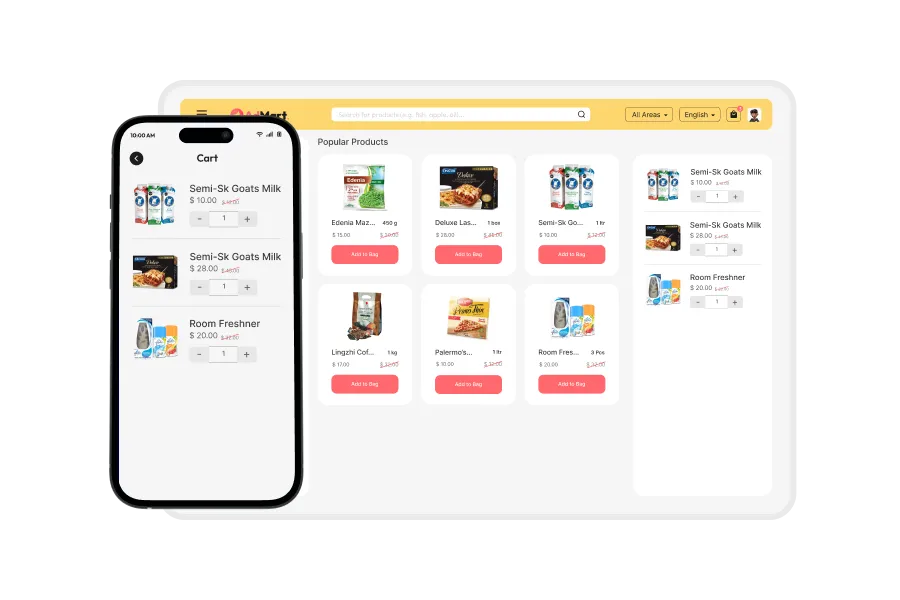
Together Delivery
This option will allow users to combine all items into one delivery slot to minimize cost and simplify scheduling.
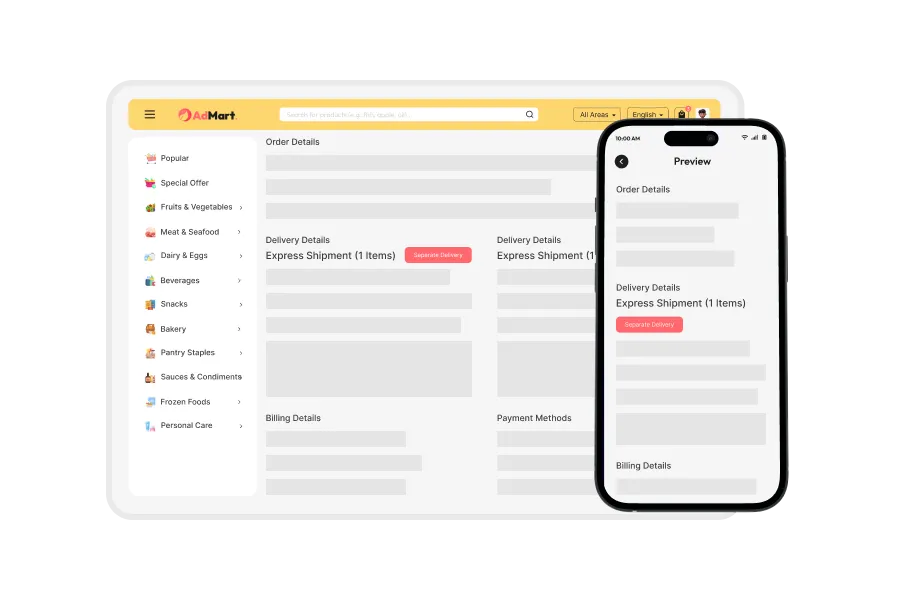
Separate Delivery
Users can choose to split the delivery for certain items if they need part of their order earlier or separately.
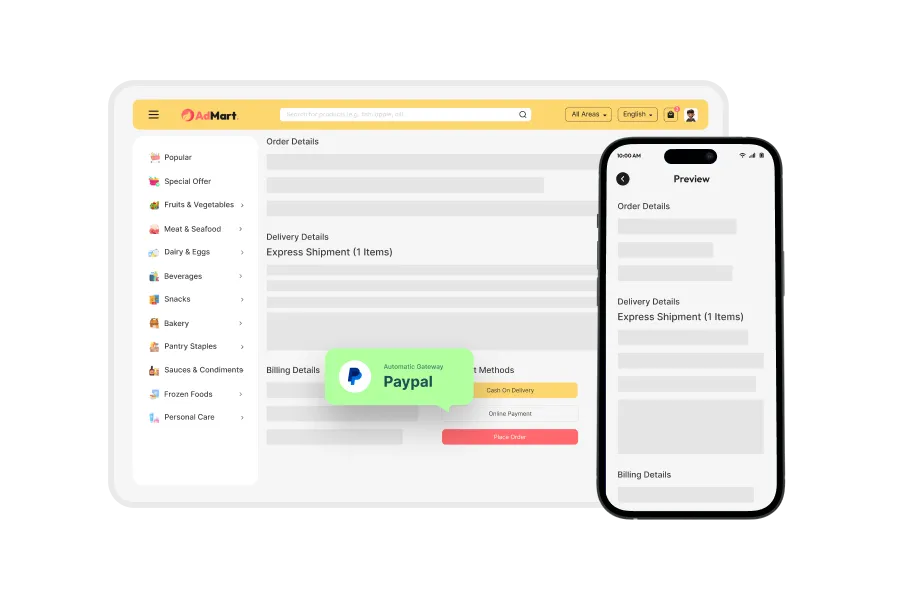
Online Payment
The script supports integration with various online payment gateways, allowing users to pay via card, mobile wallet, or banking methods.
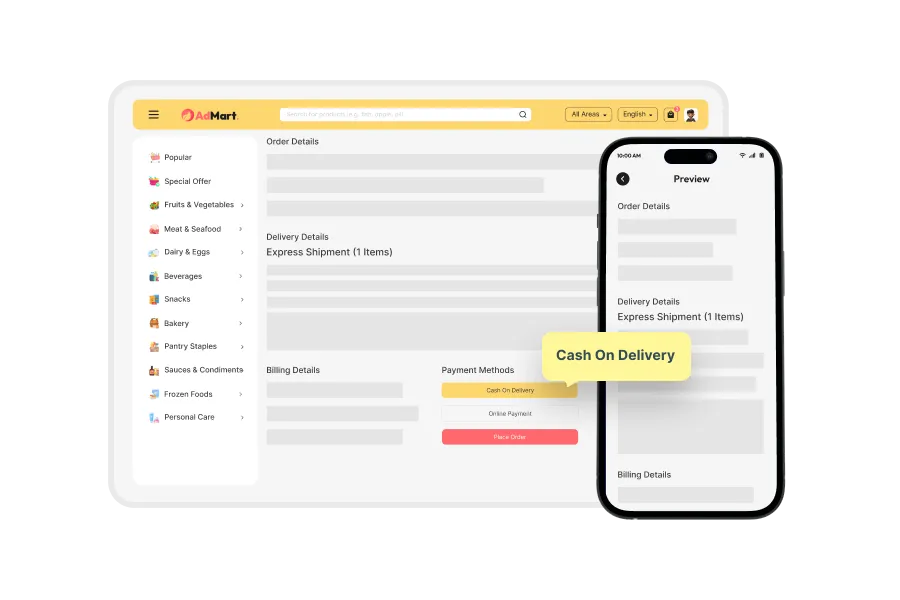
Cash on Delivery
Users can opt to pay in cash when the delivery is made, offering flexibility for those who prefer offline payments.
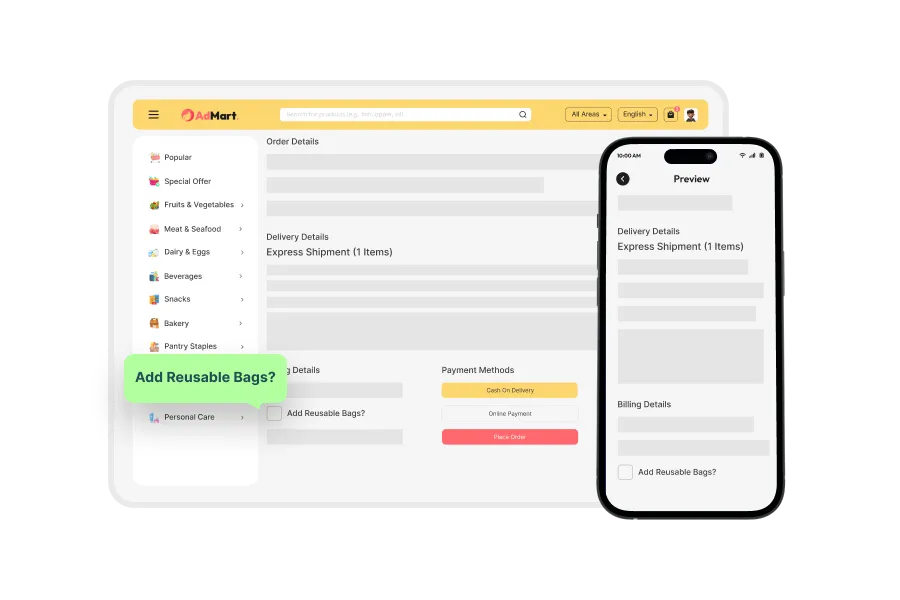
Reusable Bags
At checkout, users will be able to select reusable bags for their delivery, promoting sustainable practices.
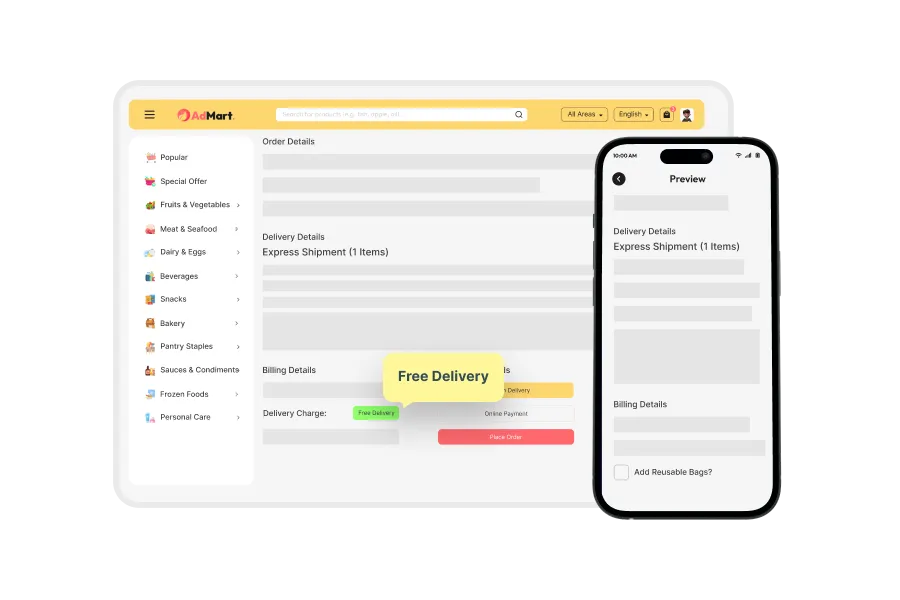
Free Delivery
The system can be configured to offer free delivery when the cart total exceeds a set amount.
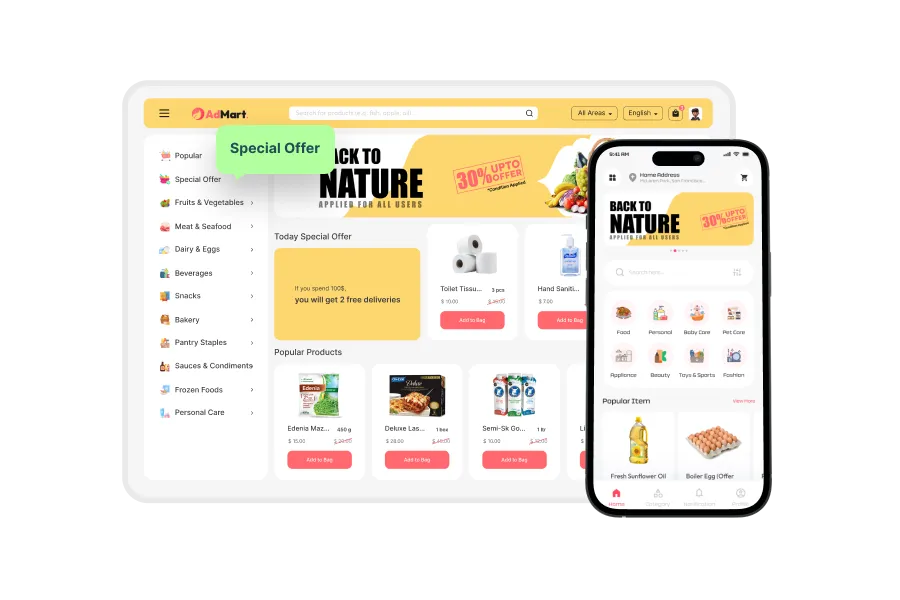
Special Offer
Users will see highlighted discounts and limited-time promotions directly on the home or deals page.
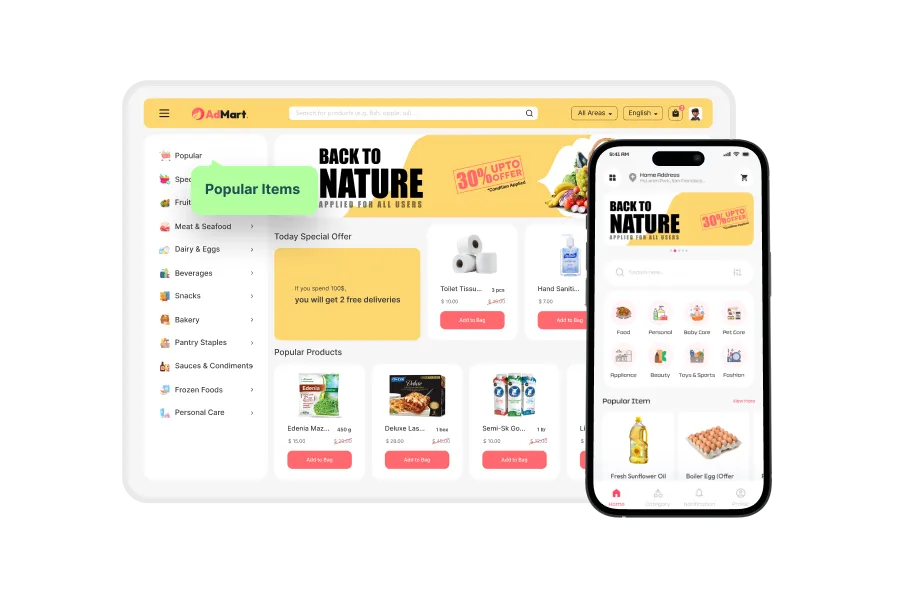
Popular Items
The script can showcase top-rated or most-purchased products to help users quickly find popular choices.
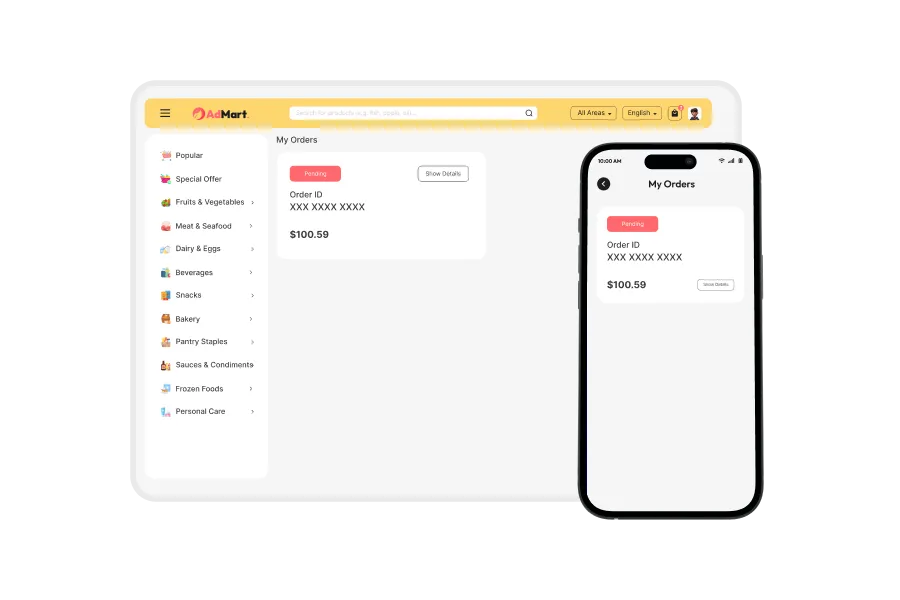
Order History
Users can view their complete order history for easy tracking and repeat purchases.
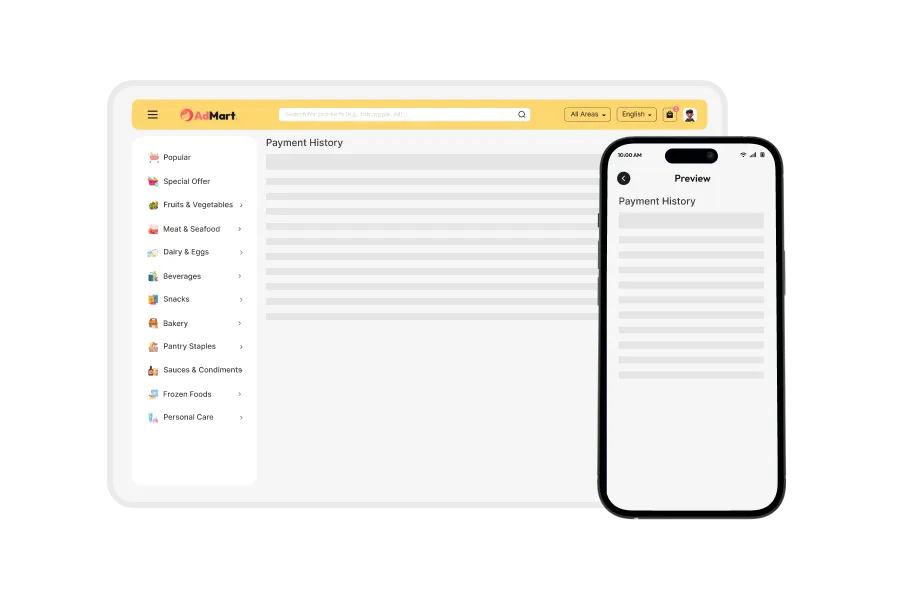
Payment History
A detailed view of past payment records will be accessible, including transaction IDs and payment status.
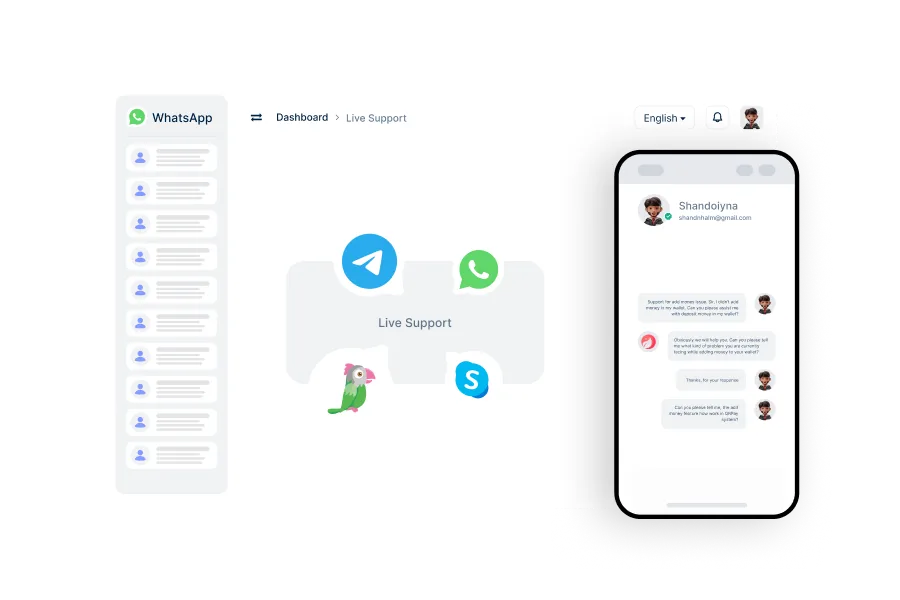
Live Chat
Access real-time support through live chat for immediate assistance with any issues.
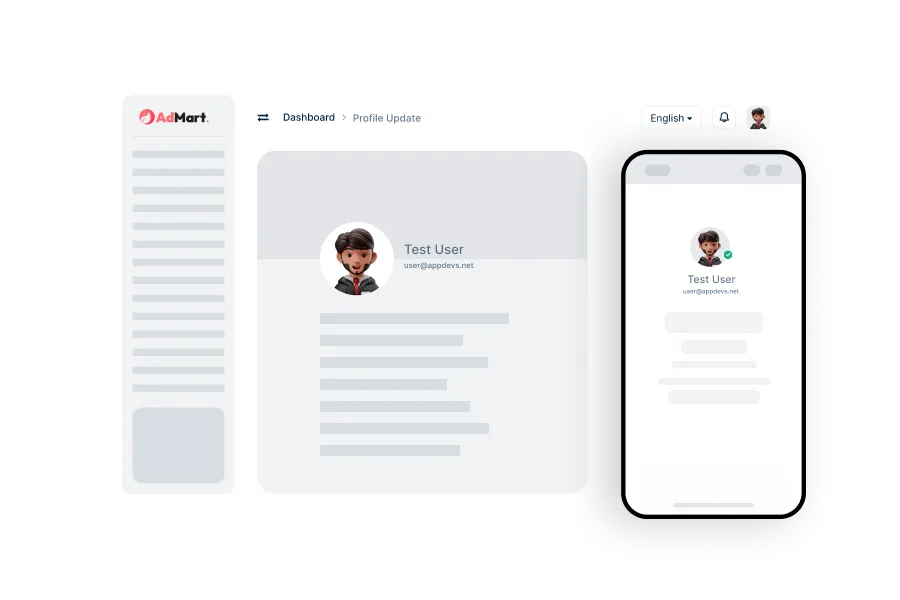
Profile Update
Easily manage and update user’s personal profile information directly within the user app.
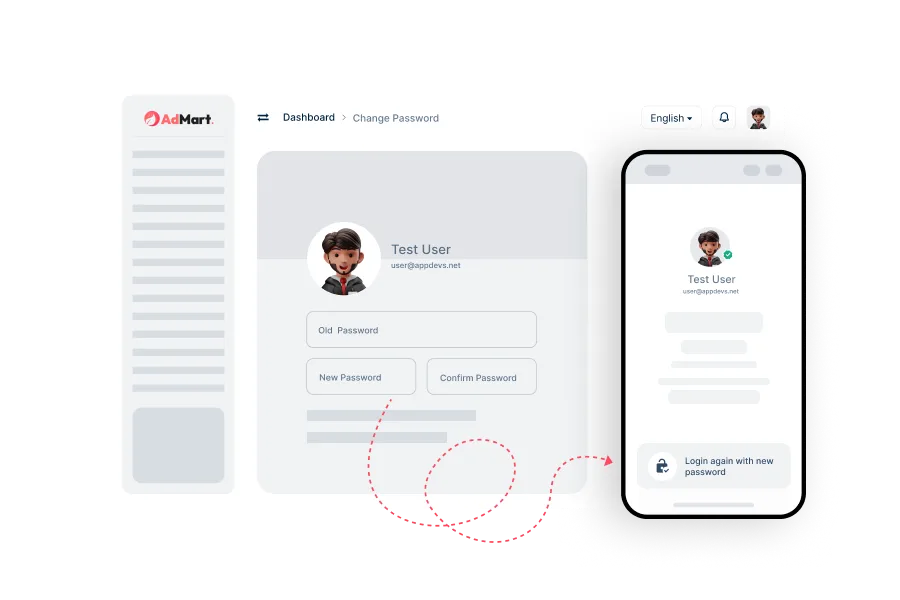
Change Password
Secure your account by regularly changing your password through the user app’s account settings.
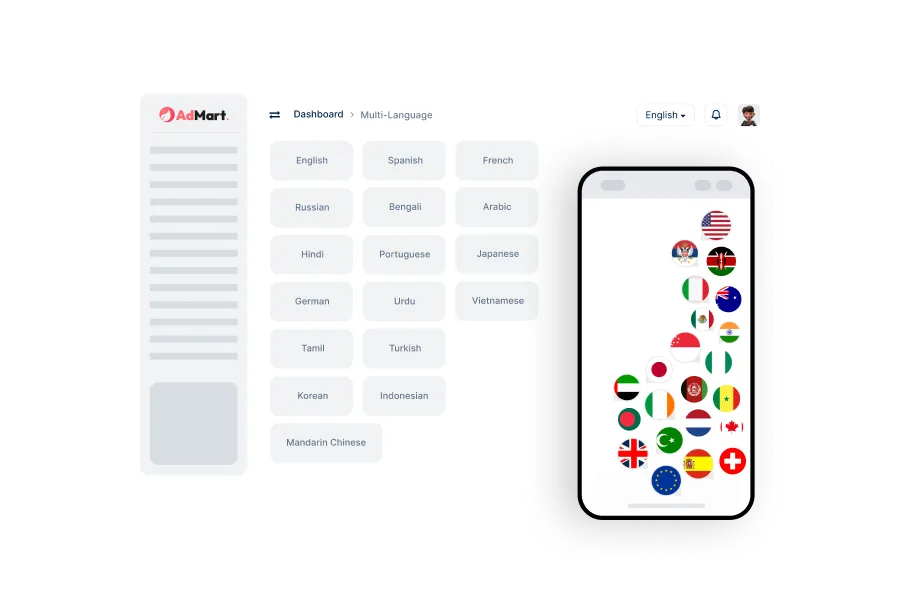
Multi-Language
Use in multiple languages, making it accessible and user-friendly for a global audience.
Admin Features
The admin panel provides powerful tools to manage products, orders, shipments, payments, and user support. With customizable settings, analytics, and security features like 2FA, admins can ensure smooth operations, secure transactions, and scalable growth.
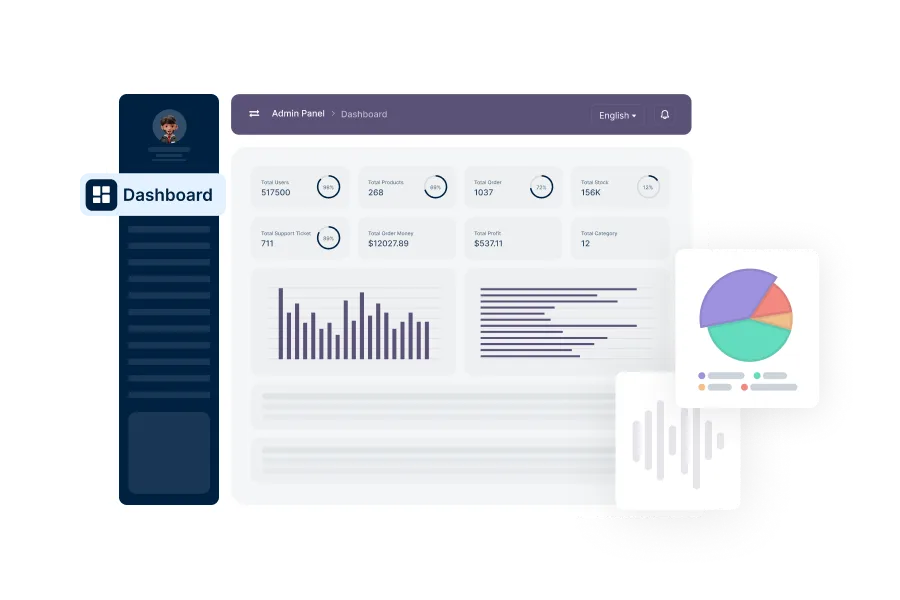
Analytics Dashboard
Admins will get a visual dashboard showing real-time stats such as orders, revenue, user growth, and product trends.
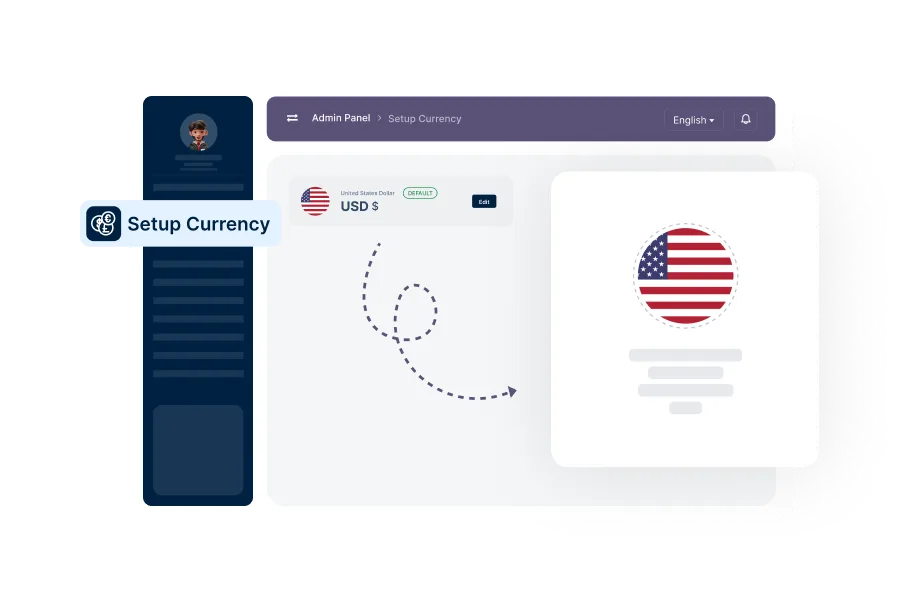
Setup Currency
From the admin panel, available currencies can be set and configured for all transactions.
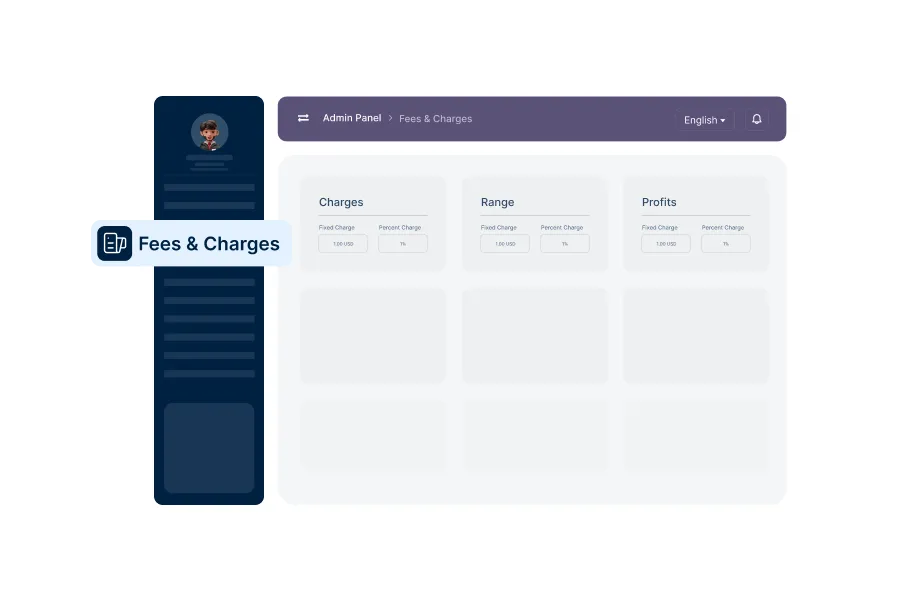
Setup Fees & Charges
Admins can set order-based fees—fixed amounts or percentage-based—with specific rules and thresholds.
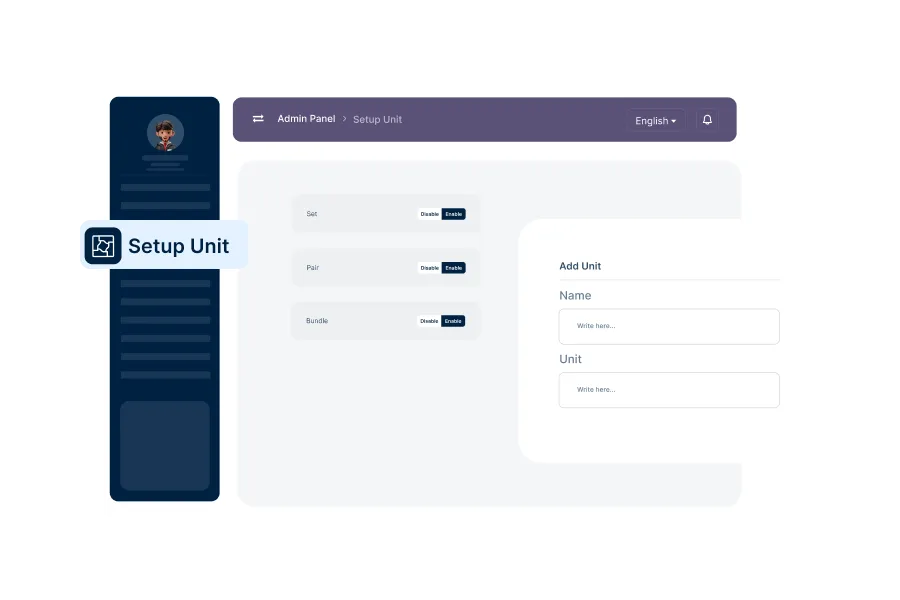
Manage Unit Settings
Allows management of product units (e.g., kg, liter, pcs), which will be used in product listings and inventory tracking.
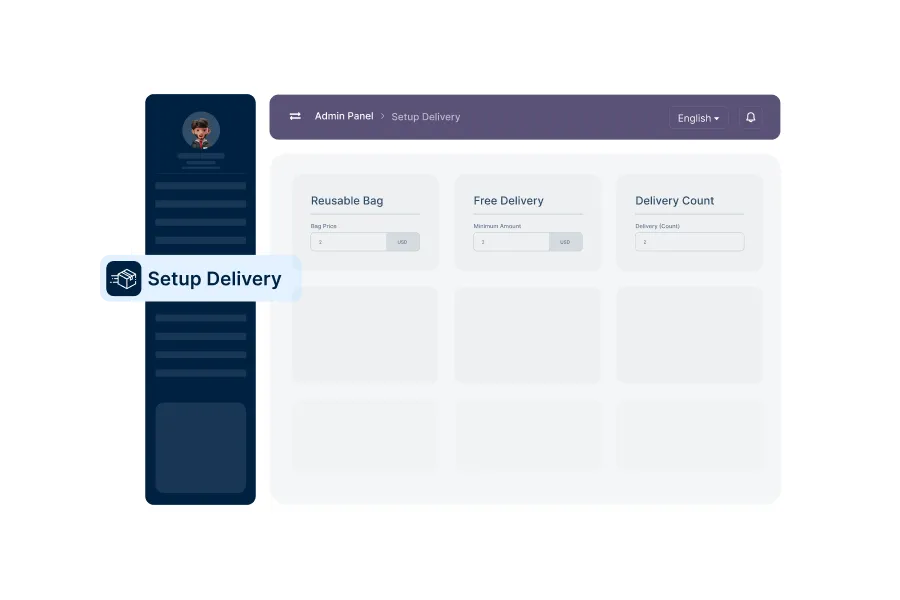
Manage Delivery Settings
Admins can configure free delivery thresholds, reusable bag options, and prices for eco bags.
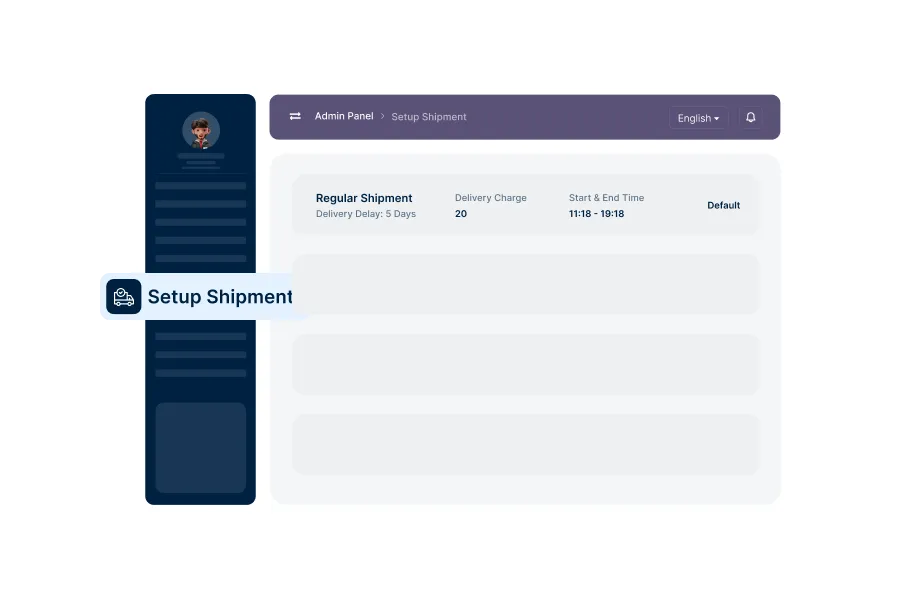
Manage Shipment Settings
Shipment types can be added or modified, including delivery charge, time windows, and delivery days.
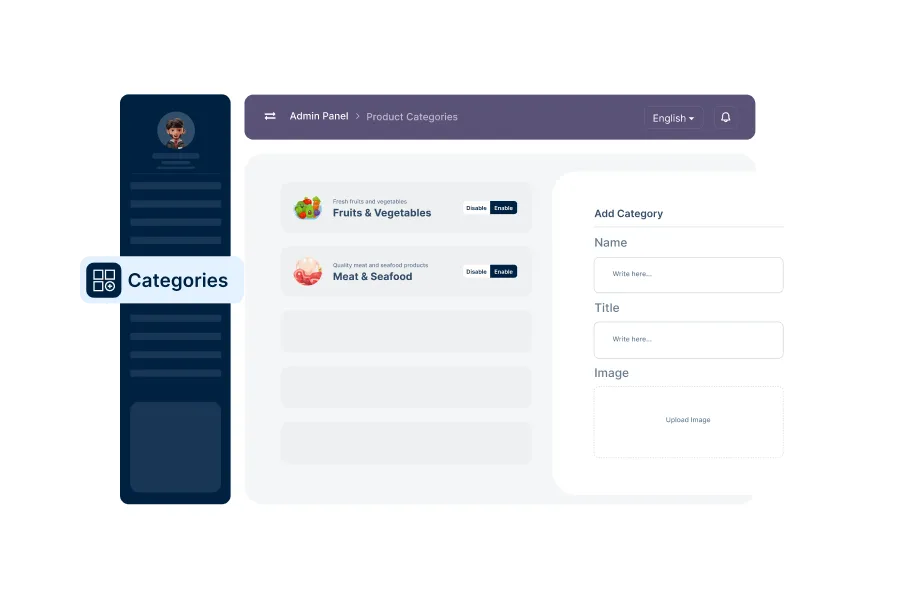
Setup Product Category
Admins can add, update, or delete main product categories used to organize all listed items.
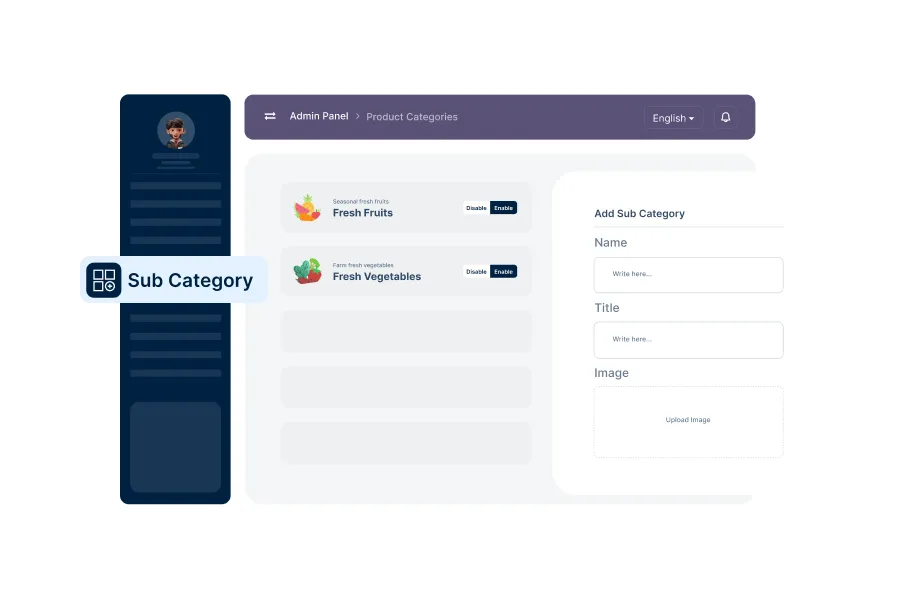
Setup Product Sub Category
Subcategories can be created under main categories to refine the product browsing experience.
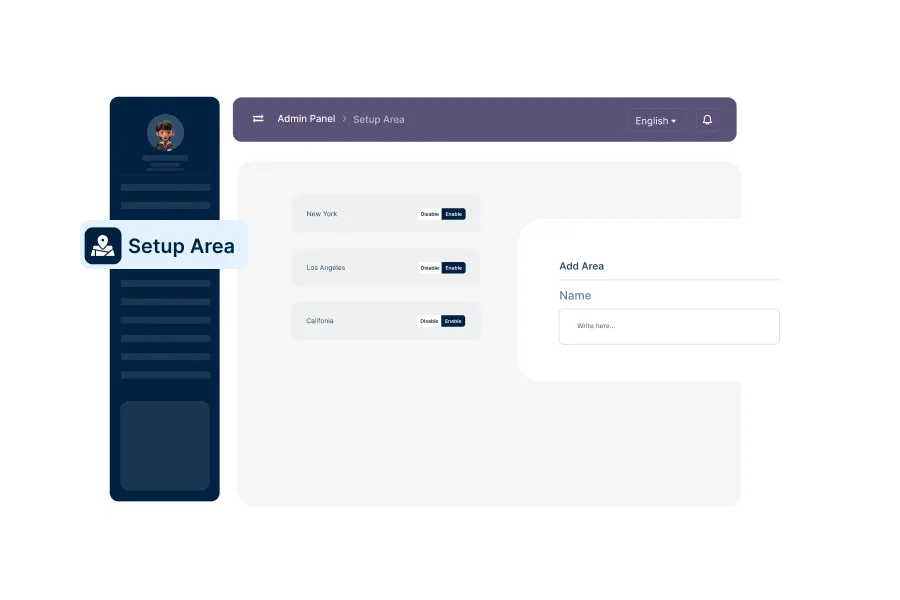
Setup Area
Admins will be able to define serviceable areas and manage them for location-based shopping.
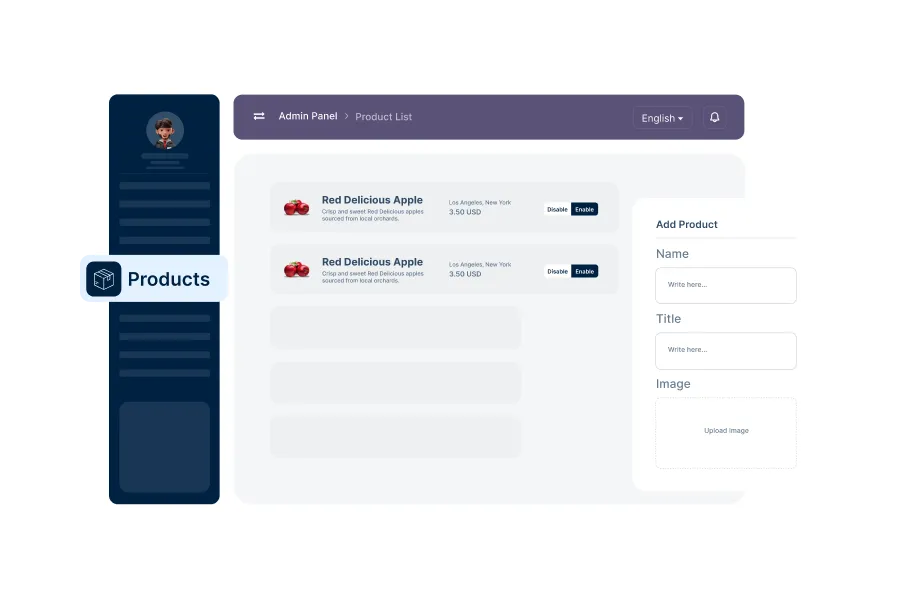
Manage Products
Admins can add new products, edit existing ones, manage stock levels, and control visibility.
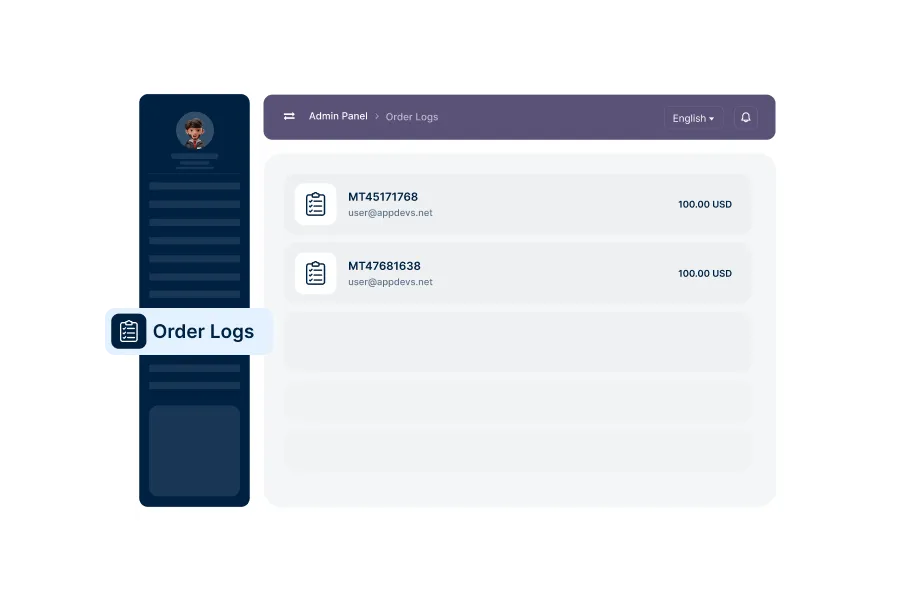
Order Logs
The platform logs all orders with details like status, customer info, delivery schedule, and payment method.
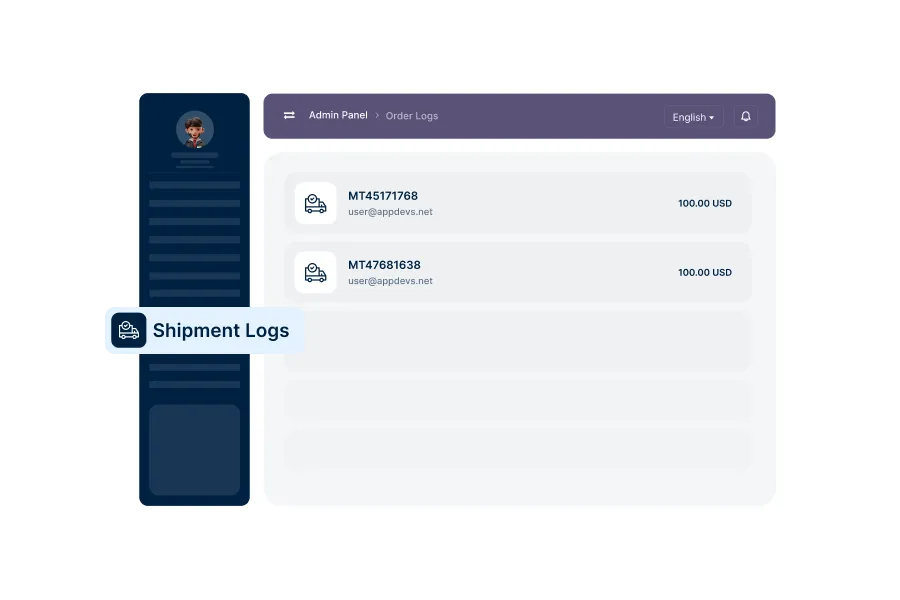
Shipment Logs
Detailed logs of all deliveries including dispatch status, type, time, and tracking options.
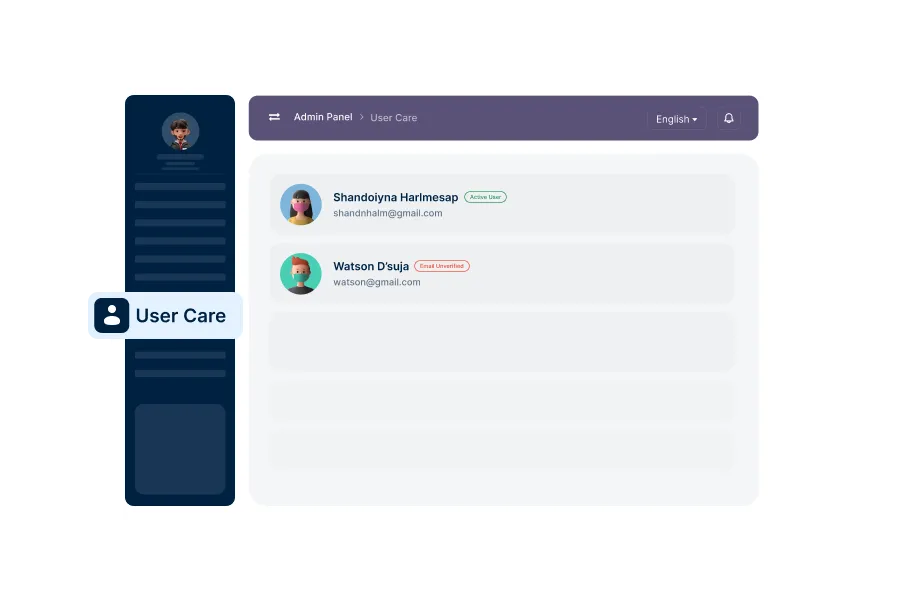
User Care
Manage support and assistance for users, addressing their queries and resolving issues.
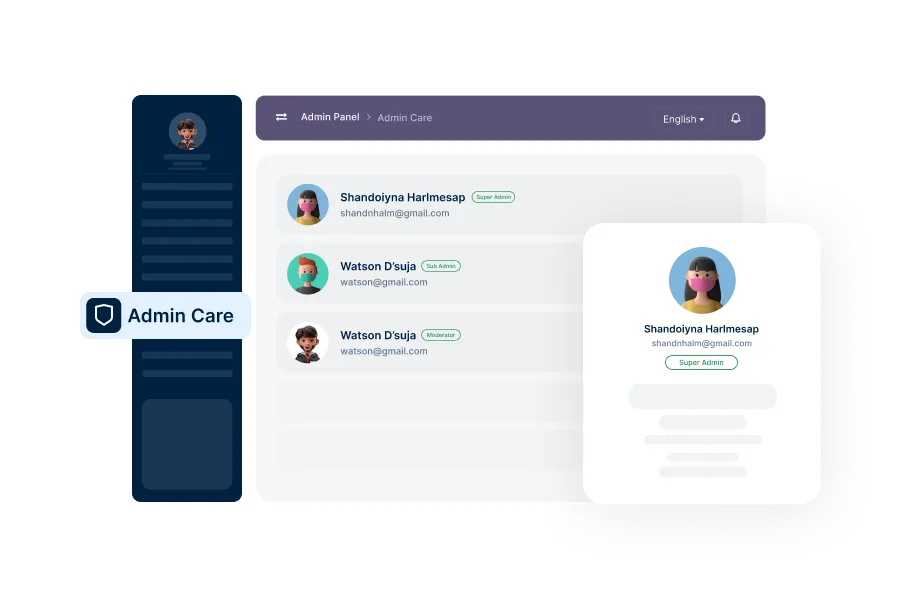
Admin Care
Manage internal admin support, ensuring smooth operation and resolving any administrative issues.
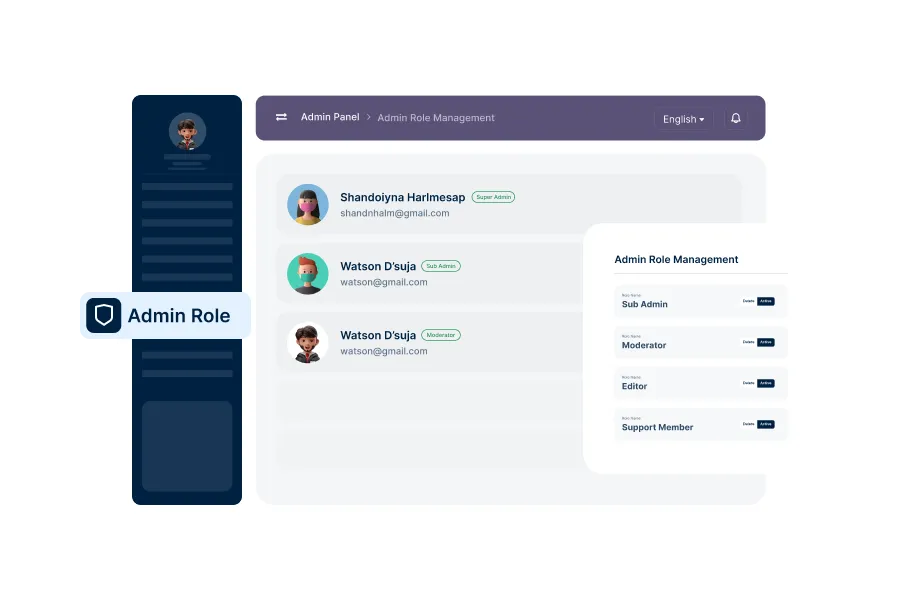
Admin Role Management
Assign and manage admin roles and permissions, ensuring secure and organized system administration.
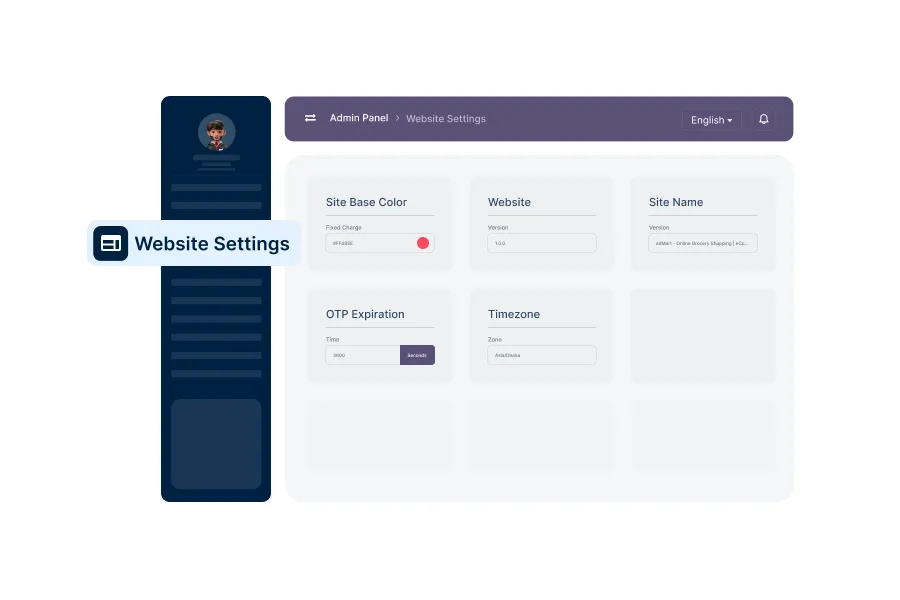
Basic Web Settings
Configure essential web settings such as site name, contact details, and other core platform parameters.
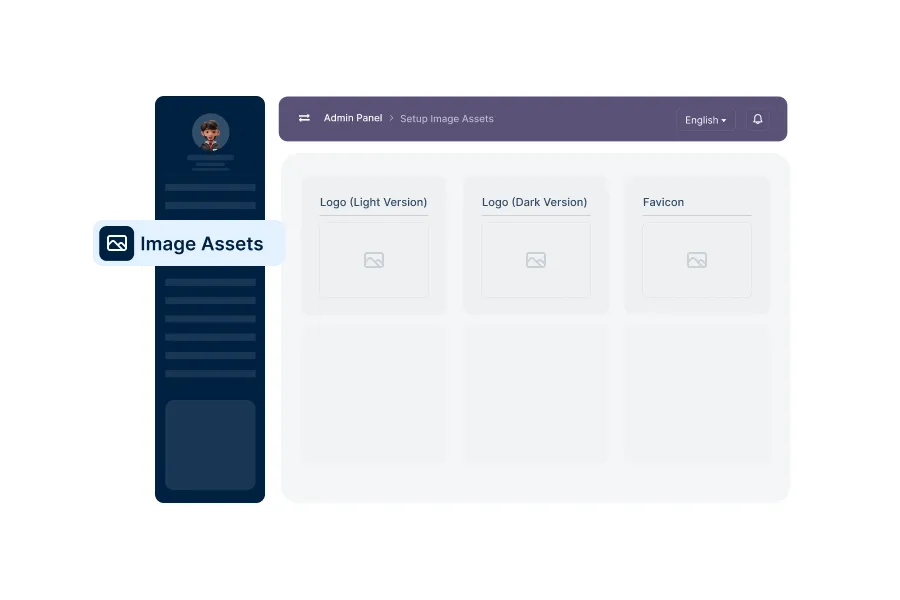
Setup Image Assets
Upload and manage images like logos, banners, and icons used across the platform.
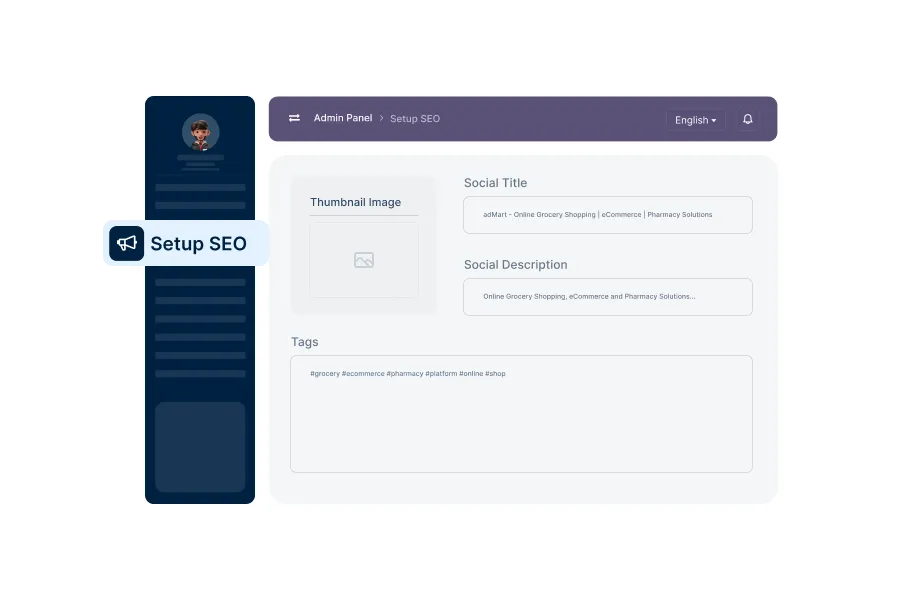
Setup SEO
Configure SEO settings to optimize the platform’s visibility on search engines.
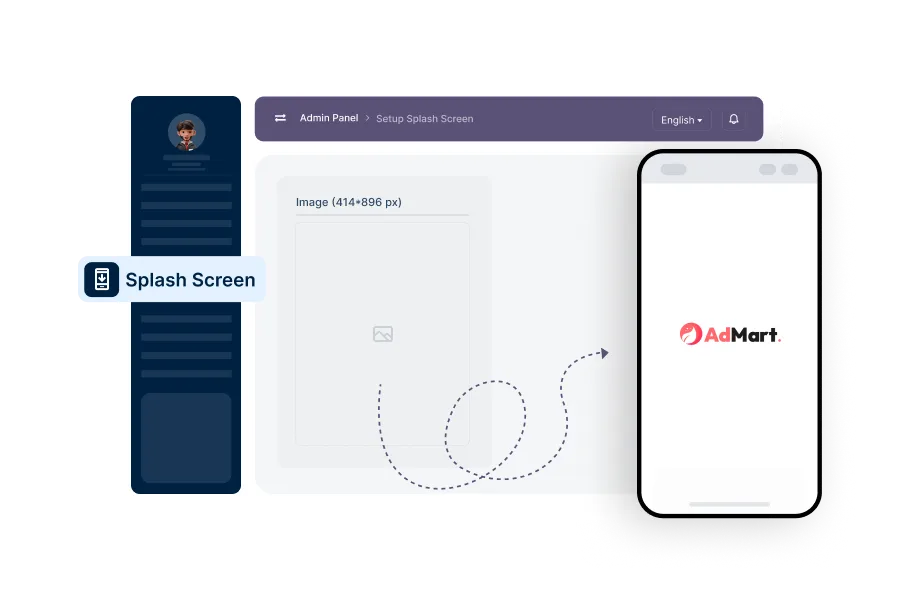
Setup Splash Screen
Design and manage the platform's splash screen that users see during app launch.
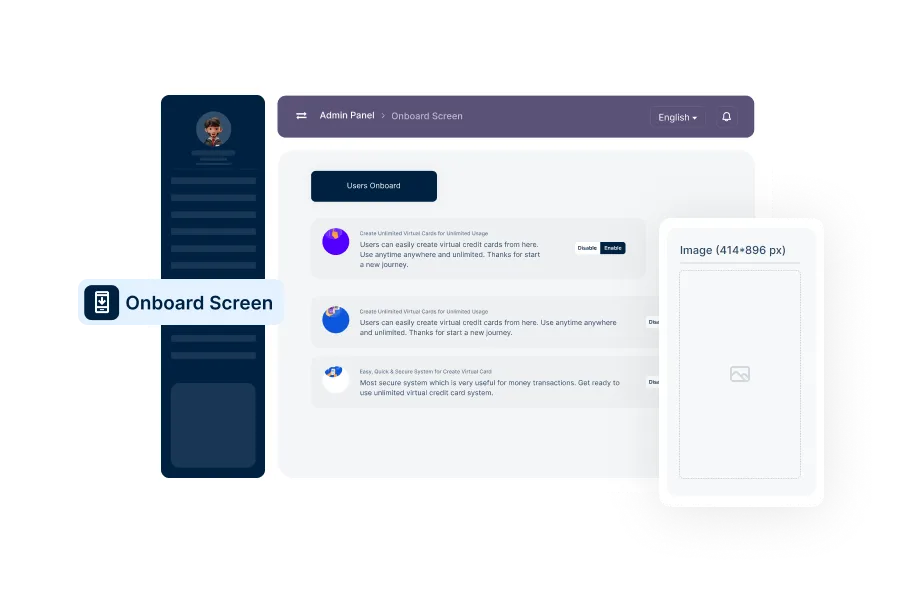
Setup Onboard Screen
Create and manage onboarding screens to guide new users through the platform's key features.
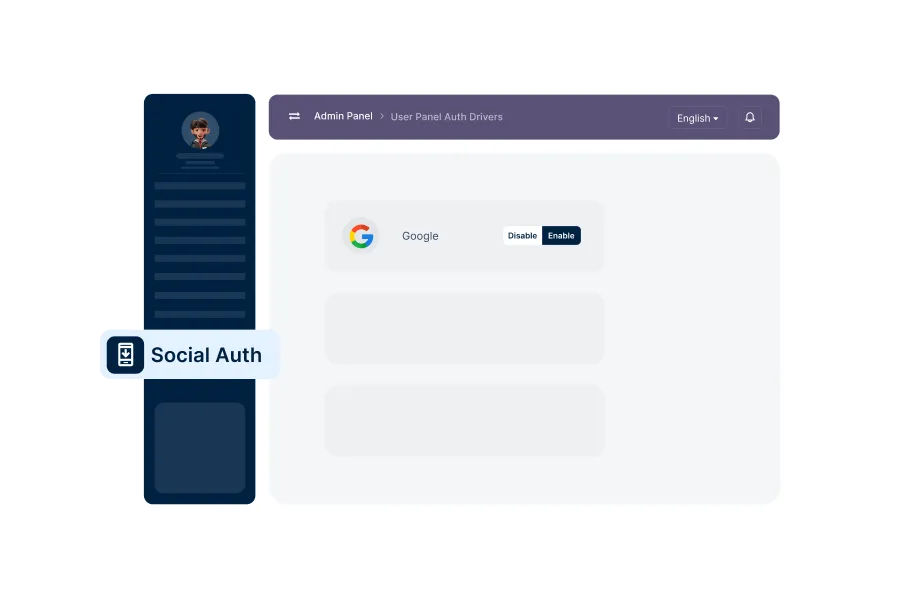
Setup Social Auths
Setup social auths to ensure users can log in/registration using their social account for a seamless experience.
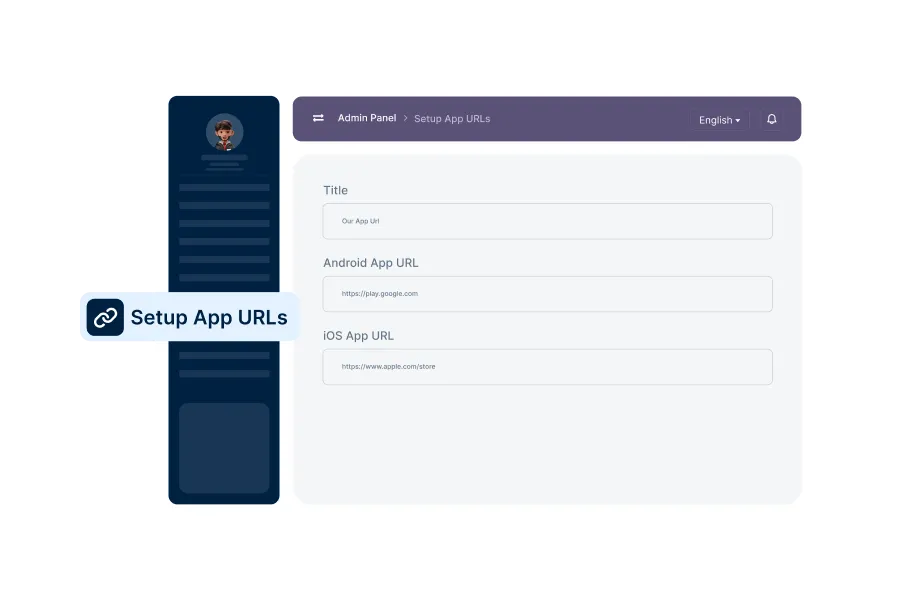
Setup App URLs
Configure essential URLs, such as app download links and support pages, for platform navigation.
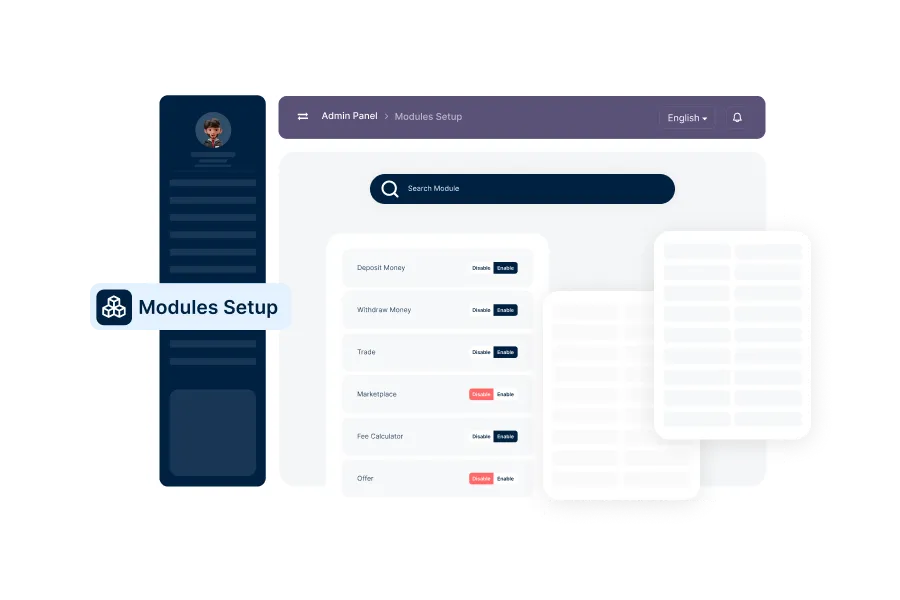
Search Module
Configure search functionalities to enhance user experience and make platform navigation easier.
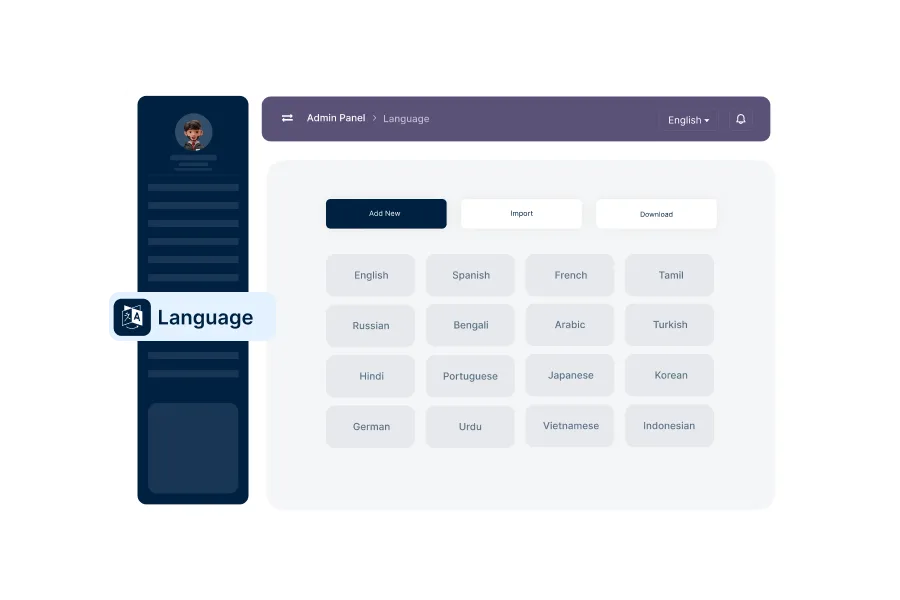
Language Manage
Add and manage languages available on the platform, providing a multilingual user experience.
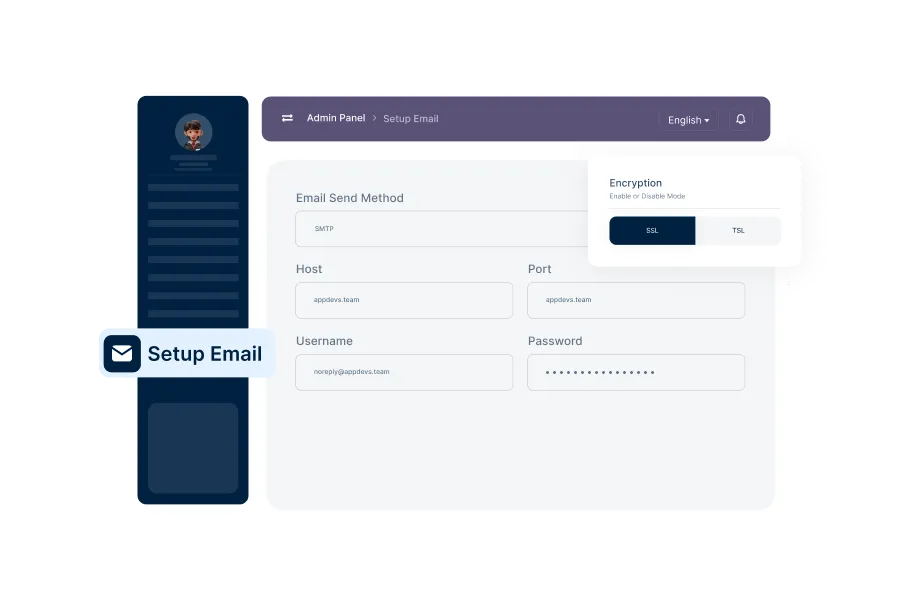
SMTP Email Setup
Configure SMTP settings to ensure smooth email communication, including verification and notifications.
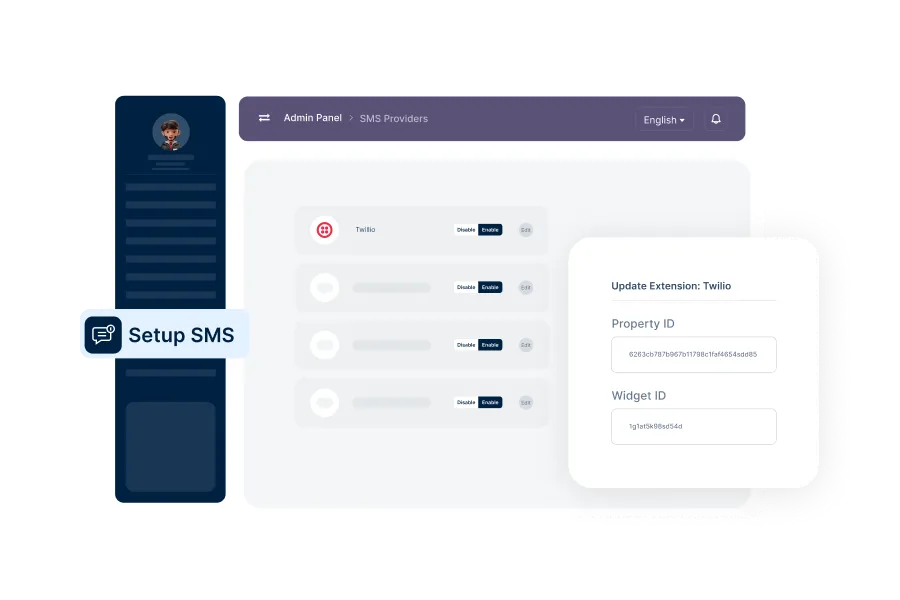
SMS Provider Setup
Configure SMS providers settings to ensure smooth user login using their phone number.
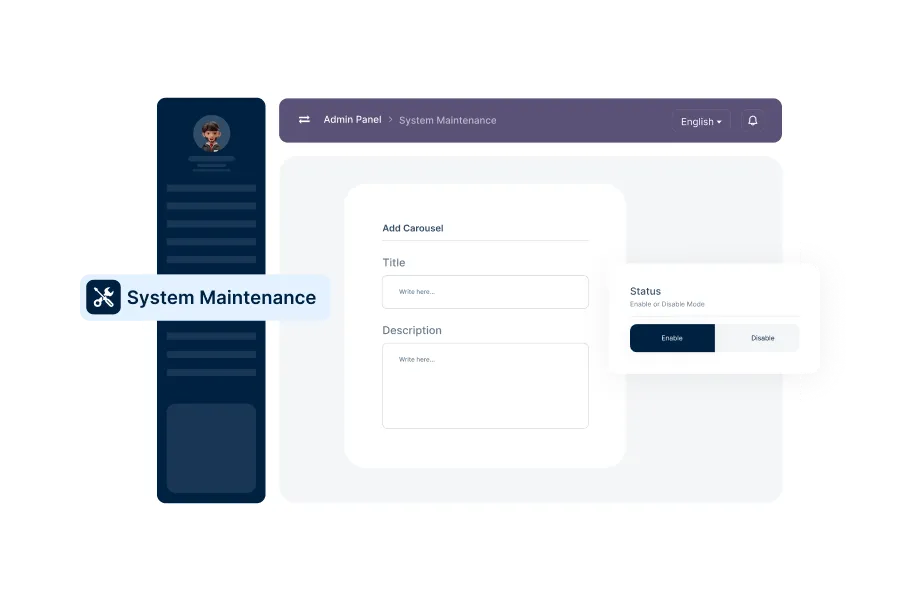
System Maintenance
Enable maintenance mode to disable all user operations on the platform temporarily. During this time, users will see a "Site Under Maintenance" page and cannot perform any transactions or activities.
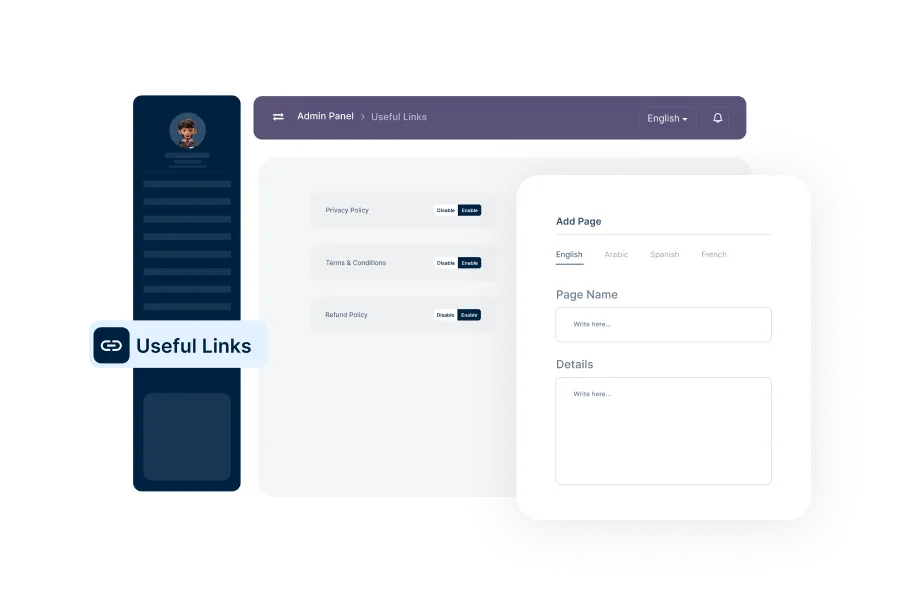
Set Up Useful Links
Add and manage helpful external or internal links for users, such as support resources or partner pages.
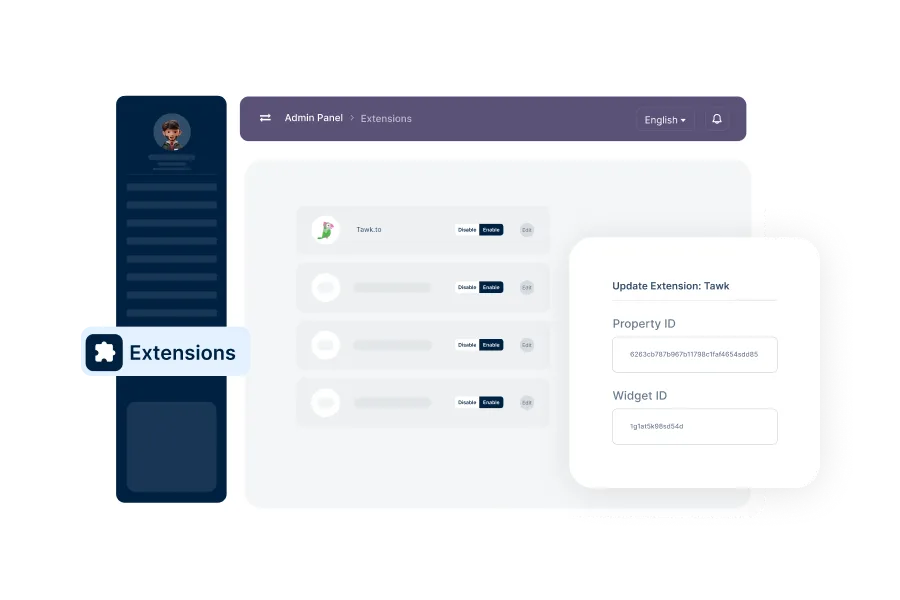
Manage Extensions
Enable, configure, and manage platform extensions to add extra functionalities.
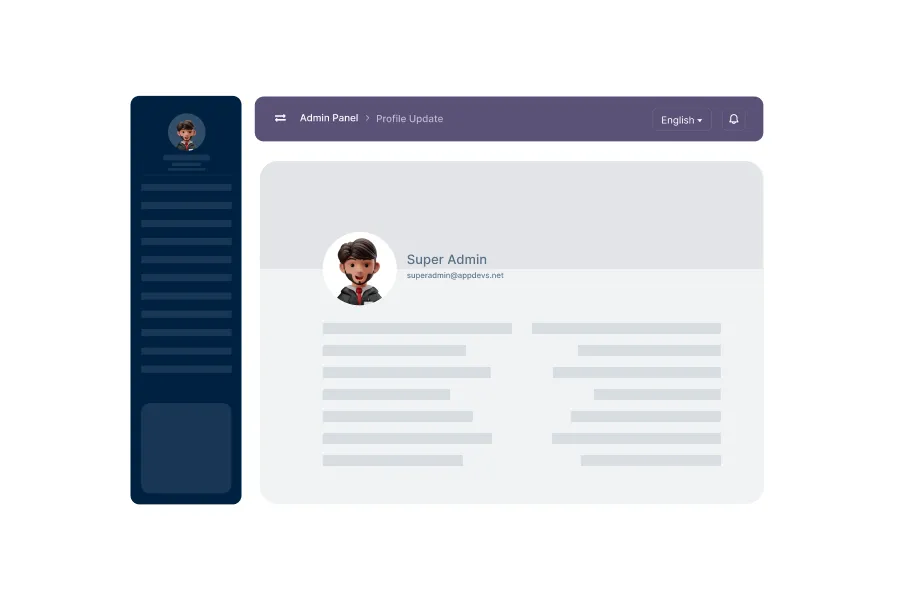
Profile Update
Allow admins to update their profiles and credentials within the dashboard.
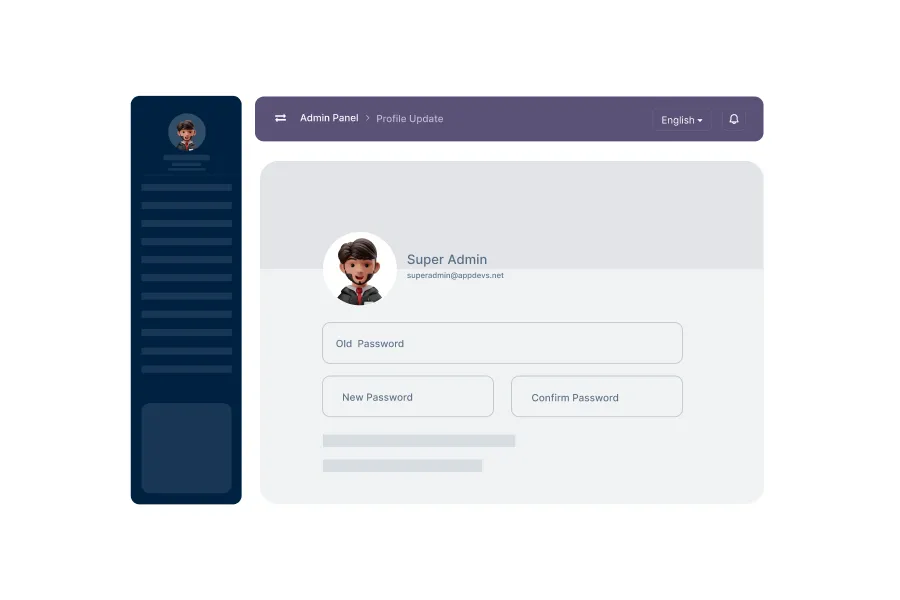
Change Password
Regularly update the admin account password to ensure security and prevent unauthorized access.
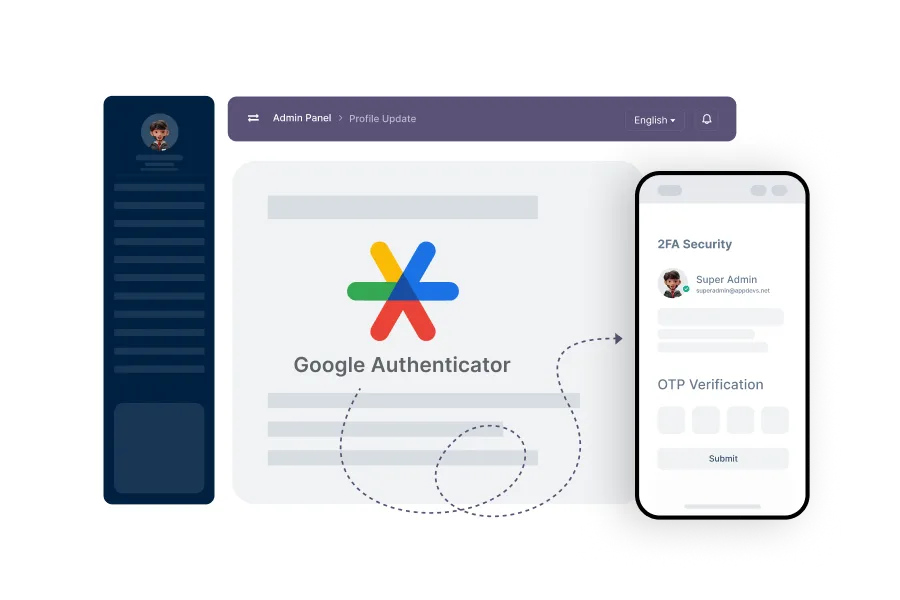
2FA Security
Implement two-factor authentication to add an extra layer of security for admin accounts.
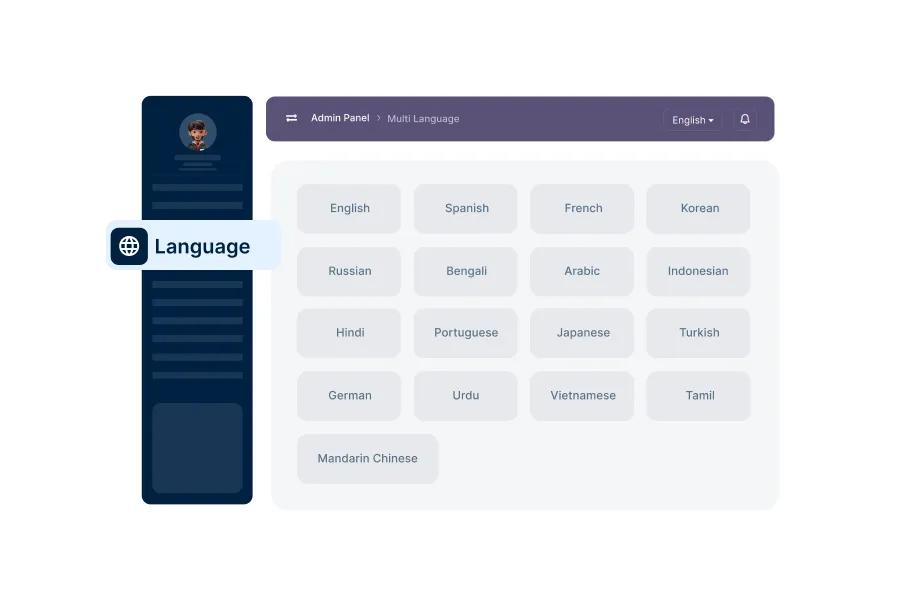
Multi-Language Support
Enable multi-language support, making the platform accessible to users from diverse language backgrounds.
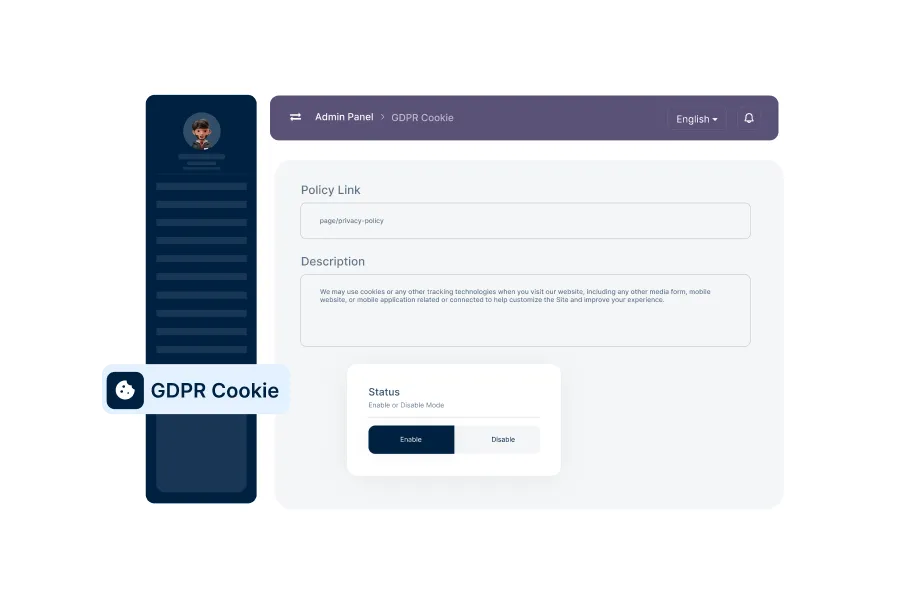
Setup GDPR Cookie
Configure GDPR-compliant cookie settings to manage user consent for data tracking and privacy.



Join Our Newsletter
Subscribe to receive product updates and exclusive discount offers straight to your inbox.